AKM Logo
HomeFeaturesIntegrationsSolutionsPricingResources
All features
Connect once, report everywhere

Data Integrations

Bring paid media, social, analytics, and commerce data into AKM so every report and AI workflow starts from trusted connected sources.

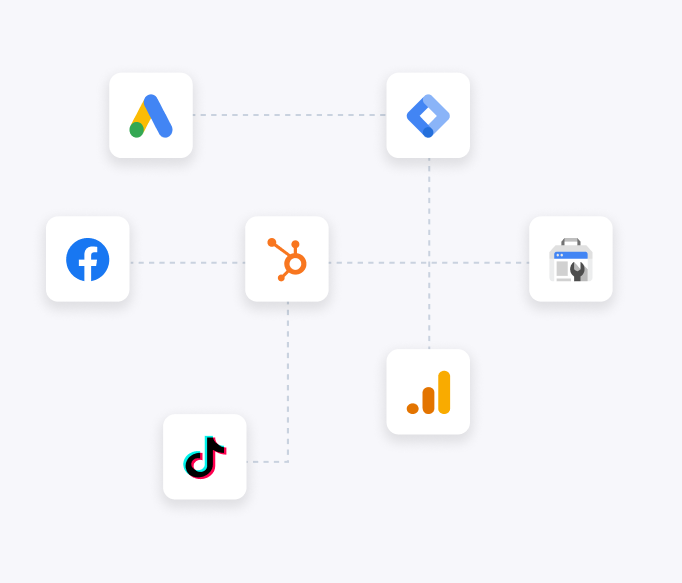
Data Integrations preview
OAuth-based platform flows
Connected data source management
Account selection and status controls
Overview

What Data Integrations does

Data Integrations is the foundation of AKM. It connects the marketing, analytics, social, commerce, local search, attribution, and operations platforms that teams already use, then turns those accounts into managed data sources for reporting and AI workflows.

The feature is designed for daily marketing operations: connect accounts through provider authorization, select the exact accounts or stores to sync, monitor source status, and reuse those sources across reports, workspaces, assistants, and team access.

Why it matters

Built for practical marketing work

Connect active marketing accounts without manual spreadsheets.

See every source in one managed data-source library.

Use the same connected sources across reports, AI workspaces, and team access.

Workflow

How Data Integrations works in AKM

1

Choose a platform

Start from AKM platform cards for Meta, Google, TikTok, LinkedIn, Snapchat, Salla, Zid, and more.

2

Authorize securely

Use the provider authorization flow, then select the accounts or stores AKM should sync.

3

Manage sources

Review active sources, search by platform or account, and disable sources without deleting history.

Connector coverage for real marketing stacks

AKM keeps connector content grouped around the categories marketers actually manage: paid media, social profiles, analytics, search visibility, commerce platforms, attribution tools, and operational systems. Public connector pages explain what each source can contribute before a user signs in.

Review the public integration directory before signup
Open platform pages for metrics, dimensions, and workflow context
Connect multiple sources when reporting needs cross-channel visibility

Account selection after authorization

Connecting a platform is not enough by itself. Users often manage many accounts, pages, stores, properties, or locations under the same provider login, so AKM separates authorization from account selection.

Authorize with the provider flow
Select the accounts AKM should use
Keep account names, IDs, and connection status visible

Reusable sources across the product

Once a data source is connected, it becomes available to the product areas that depend on trusted data. This avoids rebuilding the same source setup for every report, assistant question, workspace, or team workflow.

Use sources in Report Builder and Custom Reports
Attach sources to AI Workspaces and assistant conversations
Scope source visibility when teams and roles are enabled
Operational detail

What teams should expect

Connection lifecycle

Users can connect, review, reauthorize, and remove sources as platform access changes.

Source quality

The data-source library helps teams understand which accounts are active and ready for reporting.

Workflow impact

Reports and AI answers are only as useful as the connected sources behind them, so integrations stay close to every major feature.

Common use cases

Multi-channel performance reporting
Agency account onboarding
Commerce and paid-media data consolidation

Explore next

Continue through related AKM features, connector pages, or setup guidance.

Facebook Ads connectorLinkedIn connectorSalla connectorReport BuilderAKM AssistantAI Workspaces
FAQ

Common questions

Which platforms should a team connect first?

Start with the platforms that appear in weekly reporting: ad accounts, analytics properties, commerce stores, social profiles, and search visibility sources.

Can one authorization expose multiple accounts?

Yes. Many providers return a list of accounts, pages, stores, properties, or locations after authorization, and AKM lets users select the relevant ones.

Why manage data sources separately from reports?

A managed source library makes reports, AI questions, workspaces, team permissions, and exports depend on the same trusted account setup.

Ready to see Data Integrations in action?

Start with connected data, then build the reports, conversations, and workflows your team needs.

Ready to Unify Your Marketing Data?

Join hundreds of marketing teams who have simplified their analytics with AKM. Start your free trial today.

AKM Logo

Al-Khwarizmi Metrics (AKM) is your all-in-one marketing analytics platform. Connect all your marketing tools and get unified insights in one beautiful dashboard.

support@alkhwarizmimetrics.com

Product

  • Features
  • Integrations
  • Solutions
  • Pricing
  • AI Marketing Analytics
  • Marketing Report Builder

Company

  • About Us
  • Contact
  • Customers
  • Resources

Legal

  • Privacy Policy
  • Terms of Service
  • Refund Policy
  • Data Deletion

Support

  • Knowledge Base
  • How It Works
  • Templates
  • Compare AKM
  • Security
  • Agencies
  • Ecommerce
  • Marketing Teams
  • Executives

© 2026 AKM - Al-Khwarizmi Metrics. All rights reserved.