Marketing intelligence
How to Connect Zid Store Data to BigQuery: Complete Integration Guide
Move authorized Zid order data into BigQuery with stable keys, status updates, and reconciliation before combining it with ad spend.
To connect Zid to BigQuery, you authorize access to your store, extract orders with a stable key (store ID plus order ID), and load them into a staging table. You then merge updates so cancellations and refunds overwrite the old state. Check one completed day against Zid's own report before you join store revenue to ad spend.
Prerequisites
You need store authorization, access to the Zid API or a suitable store export, a Google Cloud project and a BigQuery dataset. Decide upfront which order statuses count as revenue, and whether your amounts include VAT, shipping and discounts.
Use Zid's authorization documentation for the current authentication and token renewal requirements. Don't assume a copied token gives permanent access or reaches every store resource.
Choose an extraction method
| Method | Good for | Watch out for |
|---|---|---|
| Manual export | A first reconciliation or a one-off analysis | Manual effort, no automatic updates |
| Your own API pipeline | Recurring loads with full control | Token renewal, pagination, monitoring and ownership |
| Integration platform | Less engineering work | Confirm the exact entities and BigQuery destination it supports |
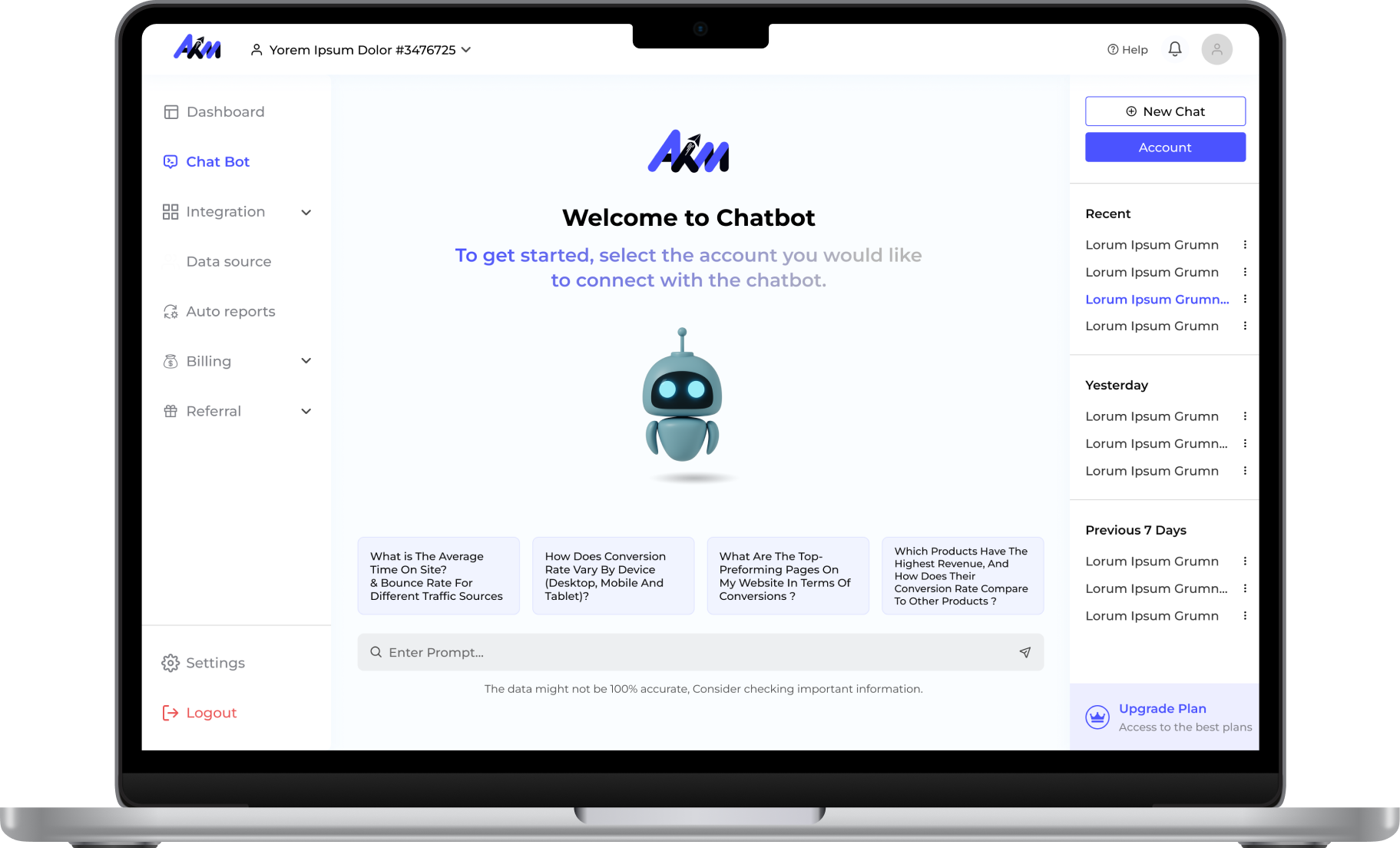
AKM connects Zid stores for reporting: orders, revenue, inventory and customer behaviour are covered on the Zid connector page. Reporting inside AKM and a full warehouse export are different things. Before relying on any tool, including AKM, for a Zid-to-BigQuery path, ask for a demonstration with your store, your required entities and your destination.
Build a reliable load
- Define the source contract. Document the fields your authorized API access returns, including order ID, update time, status, currency and totals.
- Backfill a limited period. Follow pagination and record the extraction window. Start with a period you can compare against a store export.
- Capture later changes. Use supported webhook events or periodic re-fetching to collect cancellations, refunds and status changes. Check the exact event names in the current Zid documentation.
- Stage and merge. For a current-orders table, use store ID plus order ID as the business key. Keep status history in a separate table if you need it.
- Monitor freshness. Record each successful run, each failure and the latest source update processed. Retry temporary errors without duplicating orders.
Suggested model
| Dataset | Business key | Notes |
|---|---|---|
| Current orders | Store + order ID | Latest status and your defined revenue amount |
| Order lines | Store + order ID + stable line ID | Join carefully so order totals aren't multiplied |
| Status history | Store + order ID + event ID or version | Supports refund and cancellation analysis |
These are illustrative warehouse choices, not a promised Zid response schema. Keep the source currency and use decimal types for money.
If you also run a Salla store, the same model works there. Our Salla to BigQuery guide shows the equivalent keys and checks.
Verify the result
Check these before anyone uses the numbers:
- Order count and your chosen revenue definition match a Zid report for one completed day.
- An updated order replaces its previous state instead of adding a second row.
- Loading the same window twice leaves totals unchanged.
- Arabic product and customer text arrives intact, with no broken characters.
Combine with ad spend carefully
Daily store revenue can be compared with daily ad spend without identifying individual customers, which is the safest first step. Joining individual ads to individual orders needs reliable, properly consented journey identifiers. A hashed phone number is still sensitive data, and on its own it doesn't prove which campaign drove a sale.
The ad side follows the same rules. Our TikTok to BigQuery guide covers paid and organic data. If you're still choosing a pipeline vendor, use the scorecard in how to compare Funnel.io alternatives.
Once the order model reconciles, add campaign spend and build your dashboard. Review AKM integrations to confirm the supported workflow before you expand the sync.